Blog
Tips, tricks, and guides for more effective online teaching and presentations.
No posts match your filter
Try another keyword or switch back to “All topics”.
Presentations
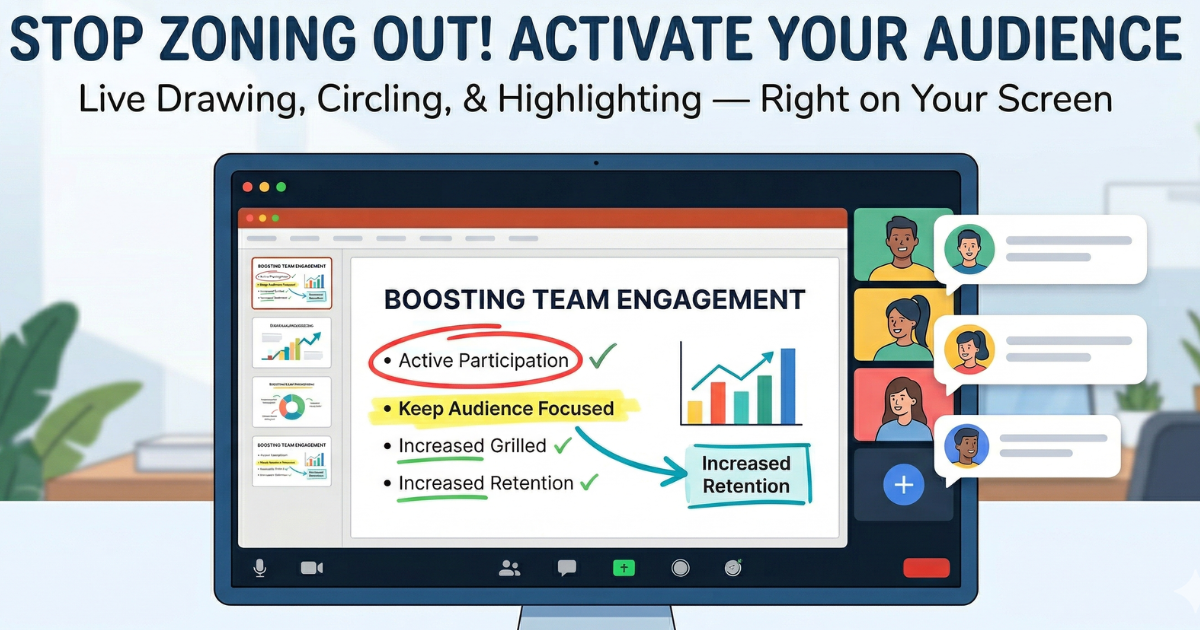
How to Draw on Screen During Presentations
Learn how to annotate your screen live during presentations, online classes, and video calls — and why it keeps your audience focused.

Setup
5 Setup Tips for Professional-Looking Video Calls
Quick improvements to your camera, sound, and environment so you look and sound professional on every call.

Presentations
Drawing on Screen: Why It Works Better Than Slides Alone
Why live drawing and annotation beat static slides when you want people to remember and follow along.

Teaching
How to Keep Your Audience Engaged in Long Online Sessions
Simple, practical ways to maintain attention and participation in long webinars and online classes.

Tips
Keyboard Shortcuts That Make You Faster
Essential shortcuts for presenting and drawing on screen—so you can focus on your audience instead of hunting for buttons.