Windows, macOS, Linux support

Draw messy,
explain clearly.

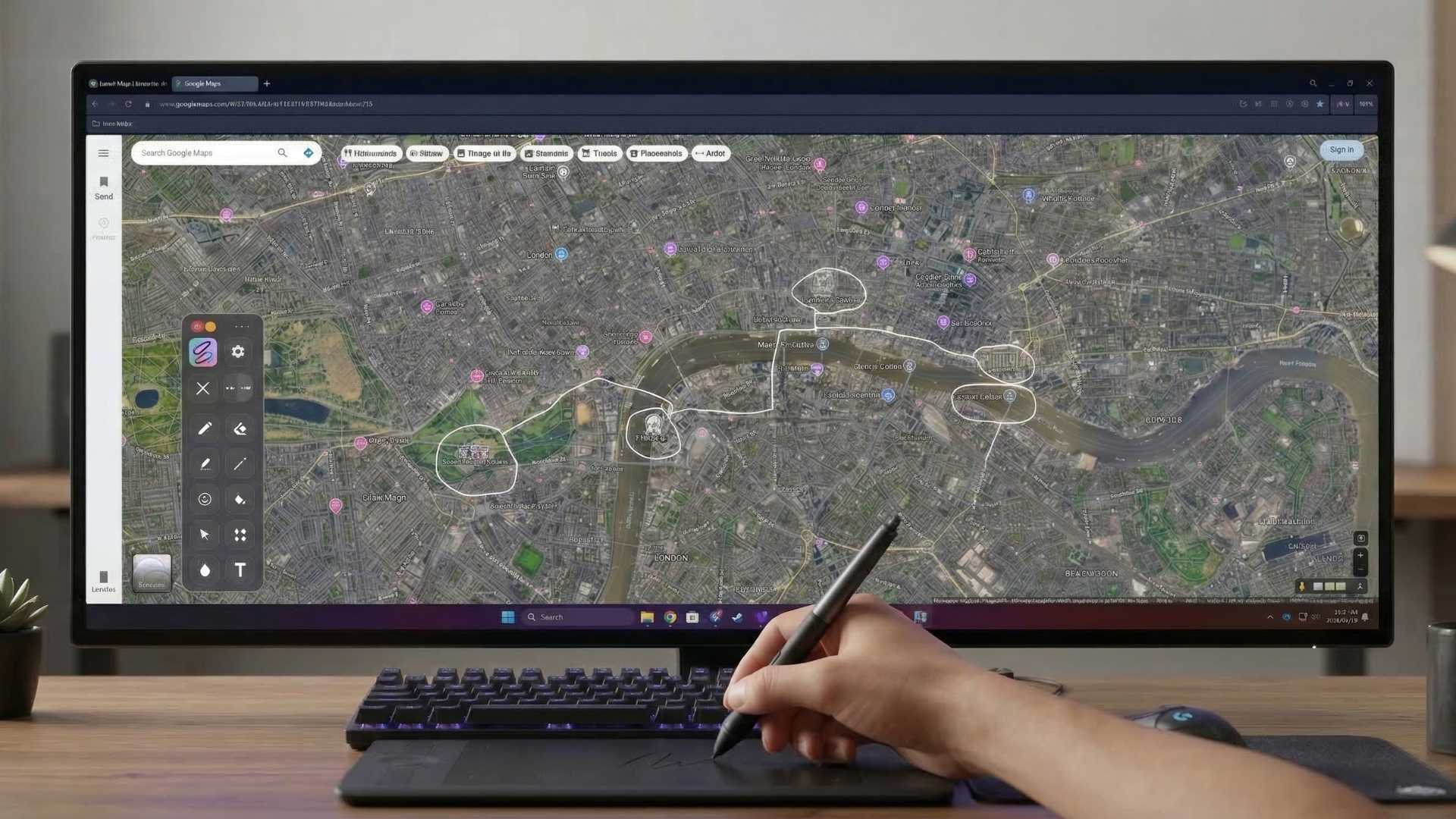
Annotate over any app in seconds for teaching, support calls, demos, and meetings. Start fast, then scale to extra devices with license-code activation.

Morning, Smart Inkler

Ready to create?

What makes Smart Inkler smart?

  • Pen. Draw directly on your screen with smooth ink strokes in any color, width, and opacity. Precise pressure-sensitive lines that feel natural.

  • Laser Pointer. A pulsing spotlight that fades automatically — keeps eyes focused without leaving marks on the screen.

  • Highlighter. Semi-transparent marks that emphasize without obscuring what's underneath. Perfect for drawing attention to key content.

  • Shapes. Rough sketches become clean circles, rectangles, and arrows instantly with Smart Snap. Draw naturally, get professional results.

  • Screenshot. Capture your annotated screen to a file with one click — no extra software needed. Your drawings are baked right in.

  • Ghost Trace. Strokes fade as you explain. Draw, point, let the screen clear itself naturally — no manual erasing required.

Pen tool in action
Placeholder — replace with real app screenshot
Laser pointer in action
Placeholder — replace with real app screenshot
Highlighter in action
Placeholder — replace with real app screenshot
Shapes tool in action
Placeholder — replace with real app screenshot
Screenshot tool in action
Placeholder — replace with real app screenshot
Ghost Trace in action
Placeholder — replace with real app screenshot

Try it live

1 Draw a line with the pen
2 Highlight the important part
3 Draw an arrow
? Done! Download the app

Draw a line with the pen

Documents
Chrome
VS Code
File Explorer
PowerPoint — Q4 Presentation.pptx
Q4 Results

Annual Growth Report

+127% Revenue growth
2.4M Active users
98% Customer satisfaction
Q1
Q2
Q3
Q4

• Market expansion: DACH region

• Product development: 3 new features

• Team growth: +15 people

Roadmap

Next quarter priorities

  • Launch new onboarding flow
  • Improve performance on large decks
  • Add export to PDF with annotations
  • Mobile companion app (beta)
  • Integrations: Slack, Notion
Process

How we work

Ideas
→
Review
→
Build
→
Ship
14:32
Draw on the screen with mouse or touch. Shortcuts: P pen, H highlighter, A arrow, E eraser, Ctrl+Z undo
Like it? Download for free!

7-day trial, no card required

Simple pricing

Clear plans with known pricing and built-in account security controls.

VAT not included.

Free

0 EUR

Always free

  • Draw and erase
  • All colors available
  • Registration required
Start free

Smart Inkler Personal - Yearly

50 EUR / year

Discounted annual billing (net price)

  • 1 user license
  • 7-day trial included
  • Cancel anytime
  • Self-serve billing and email support
Choose yearly

Plan comparison

Plan details at a glance. Open the full matrix for security and workflow coverage.

Access How you start
FreeAlways free
Yearly7-day trial then paid
Users Included seats
Free1
Yearly1
Billing Net price
FreeNo billing
Yearly50 EUR net / year
Support Standard support
FreeEmail
YearlyEmail
Security flows Account safety controls
FreeIncluded
YearlyIncluded

Can I compare plans in more detail?

Yes. Open the full comparison matrix for tool, plan, and security-flow differences.

Can I switch between monthly and yearly?

Yes. Change your billing cycle from your account or the customer portal. If you switch from monthly to yearly, the yearly subscription starts at the end of your current month—no extra charge until then.

Do all plans include secure auth flows?

Yes. Email confirmation, password reset, and session revoke controls are available in the account experience.

Full comparison matrix Detailed pricing

Frequently asked questions

What happens when the subscription ends?

Smart Inkler continues in limited mode so your workflow doesn't stop. You can reactivate anytime.

Where can I manage billing?

In the customer portal you can update your card, view invoices, or cancel your subscription.

Will there be a business plan?

Yes, team licensing is coming later. For now, the personal plan is the focus.

What devices are supported?

Digital pen (Wacom, Surface Pen, etc.), mouse, and touchscreen — use any of them.