Windows, macOS, Linux support

Your audience can't see what you mean?
Now they can.

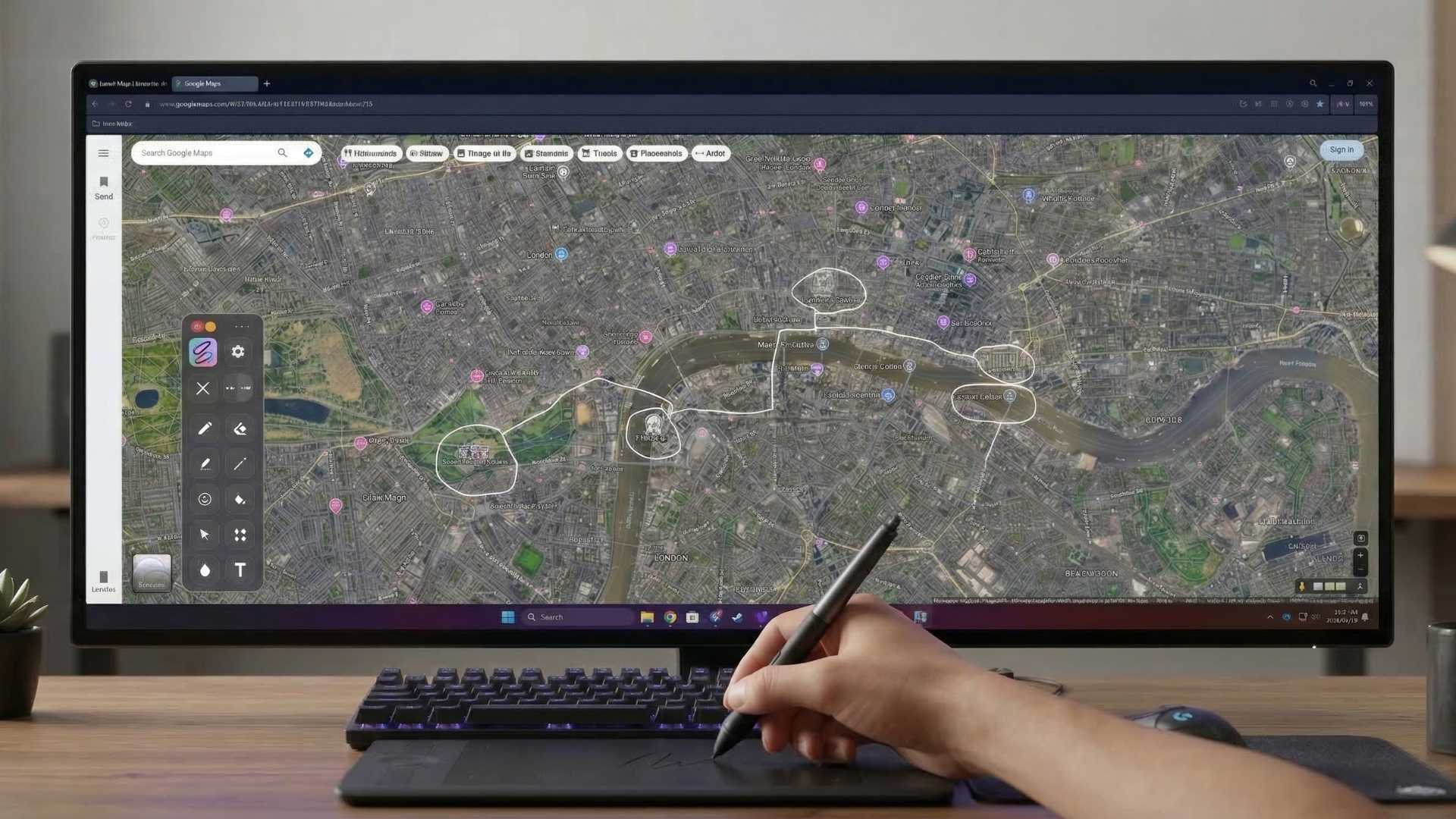
Draw, highlight, and point anywhere on your screen — over any app on Windows, macOS, or Linux. Perfect for meetings, demos, and classes.

No credit card required. Setup takes 30 seconds.

Morning, Smart Inkler

Ready to create?

What makes Smart Inkler smart?

  • Smart Inkler turns your entire screen into a canvas that lets you draw, highlight, and annotate directly on top of any app.

    • Draw anywhere on your screen
    • Highlight key details instantly
    • Capture screenshots while presenting
    • Add shapes and visual markers in seconds
  • When explaining something, attention matters. Smart Inkler helps you guide viewers with laser pointer and cursor focus tools so every step is clear and easy to follow.

    • Laser pointer for live presentations
    • Cursor focus to highlight key areas
    • Perfect for tutorials, meetings, and demos
    • Pressure Sensitivity
      Supports pen pressure on compatible devices like Wacom tablets.
    • Hotkey Support
      Fully customizable shortcuts let you access every tool instantly.
Shapes tool in action
Placeholder â€" replace with real app screenshot
Screenshot tool in action
Placeholder â€" replace with real app screenshot
Ghost Trace in action
Placeholder â€" replace with real app screenshot

Simple pricing

Clear plans with known pricing and built-in account security controls.

VAT not included.

Free

0 EUR

Always free

Billing No billing
Account 1 account
  • Limited access
  • Draw and erase
  • All colors available
  • Registration required
Start free

Smart Inkler Personal - Yearly

50 EUR / year
VAT not included

Discounted annual billing (net price)

Save 10 EUR vs 12x monthly
Billing 50 EUR net / year
Account 1 account included
  • Acces to all tools
  • 1 account included (personal)
  • 7-day trial included
  • Cancel anytime
  • Self-serve billing
  • Email support
Choose yearly

Frequently asked questions

What is Smart Inkler?
Smart Inkler is a screen annotation app that adds an instant ink overlay on top of any desktop workflow so you can draw, highlight, explain, and capture screenshots without switching tools.
Can I draw on any application?
Yes. Smart Inkler draws as an overlay above your existing apps, so you can annotate presentations, documents, browsers, whiteboards, and other desktop windows directly.
Does Smart Inkler work with pen tablets and touchscreens?
Yes. It supports mouse input and compatible pen tablets such as Wacom devices.
Can I customize keyboard shortcuts?
Yes. You can assign your own hotkeys so the tools you use most are always available instantly while presenting, teaching, or demonstrating something live.
How can I subscribe?
To subscribe, you first need to create an account on the website. After registration, you can choose your subscription plan. Once your subscription is successful, you will be able to sign in to the app through the browser using your registration details.
Is there an option for business or school group subscriptions within one user account?
Yes. A group subscription means purchasing any number of licenses under one account. In this case, please email [email protected] and we can discuss the available options.
Does Smart Inkler work during screen sharing?
Yes. It is designed for live explanation workflows, including screen sharing, meetings, demos, and tutorials where you need viewers to follow along clearly.
Is Smart Inkler suitable for teaching and tutorials?
Yes. Smart Inkler is built for explaining ideas visually, making it useful for online classes, software walkthroughs, tutorials, and internal team training.
Can I take screenshots while annotating?
Yes. You can capture screenshots while your annotations are visible, which makes it easy to save explanations, feedback, and highlighted details as you present.
Where can I download Smart Inkler?
You can download Smart Inkler from the Download page on this site.